My “anniversary” intro
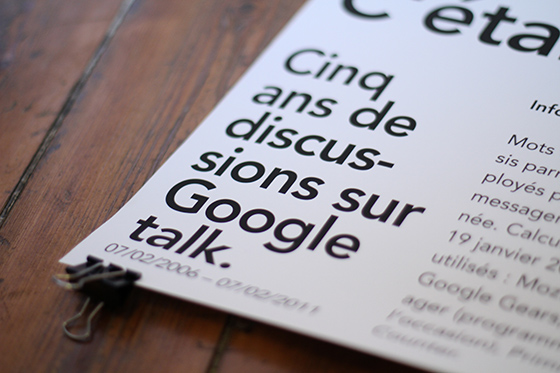
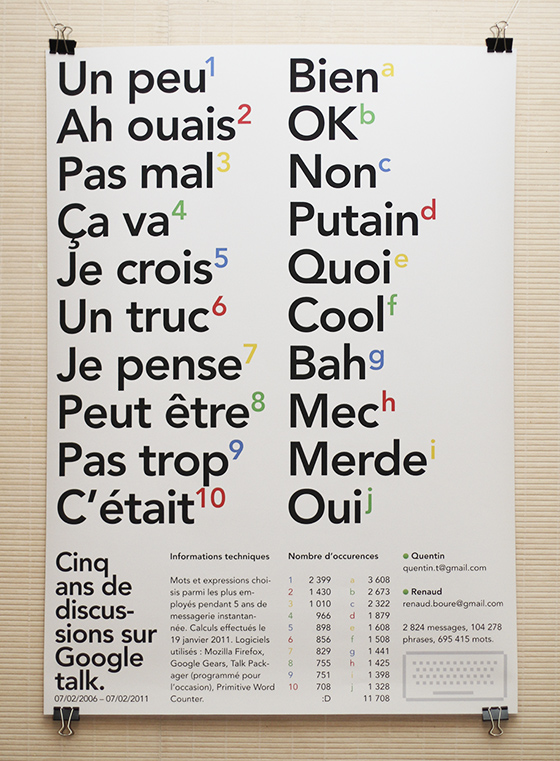
It’s been five years (this monday) since Google added the ability to simply chat inside Gmail and to store your chat history, just like your regular e-mail discussions. This poster is a celebration of that, plus a big high-five to my “chat pal” (who hopefully received my package on time), plus a technical and aesthetical look at what we wrote during these years.
Let’s make history
Back to the chat history thing… I remember being pretty happy when Google announced it, mainly because I knew I’d use it for later reference, archiving links and thoughts had become much easier.

Here’s a copy of the announcement they made:
Chat with your friends from right inside Gmail. There’s no need to load a separate program or look up new addresses. It’s just one click to chat with the people you already email, as well as anyone on the Google Talk network. And now you can even save and search for chats in your Gmail account.
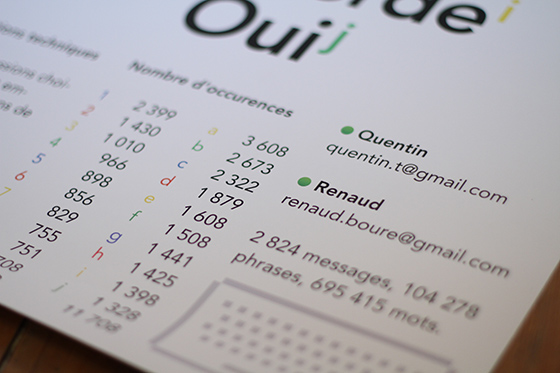
So it’s been five years. And I’ve chatted quite a lot; mainly with one guy, my buddy Renaud. We chatted around 2,800 different discussions so I thought there might be some interesting data to dig in these archives… So I dug.
But digging thousands of discussions is not an easy task, so I had to take a look on the tech side of things.
Join the tech side of the force
Before digging, I had to retrieve all the discussions we had, in an easy-to-analyse format. I used Gmail’s offline feature: applying a new label to our conversations and locally syncing this label. For some unknown reason it would crash on Google Chrome so I had to use Mozilla Firefox. When syncing was done I got a pretty big file in my “Google Gears for Firefox” directory.
Cool thing is, Google Gears stores data as SQLite databases, so I fired up Lita in order to understand what the structure was like… Things looked a bit messy but I eventually found everything that would interest me; and it was in the “MessagesFT_content” table. Here’s the query I ran:
SELECT c1Body FROM MessagesFT_content WHERE c0Subject LIKE '%Chat%'
Almost cool. The query still returned a bunch of HTML code, our names, and other useless crap. So I fired up Flash Builder, imported the SQLite file and wrote a few AS3 lines, in order to grab the results and filter them with regular expressions. Bang: plain text! Oh, this useless AIR app is OpenSource, by the way.
Now that the data was clean and ready to be analyzed I had to find a cheap or free way to do it. I chose Primitive Word Counter, not because it’s perfect but rather because it’s very simple and could handle the large amount of data I was going to feed it (some other apps simply crashed)…
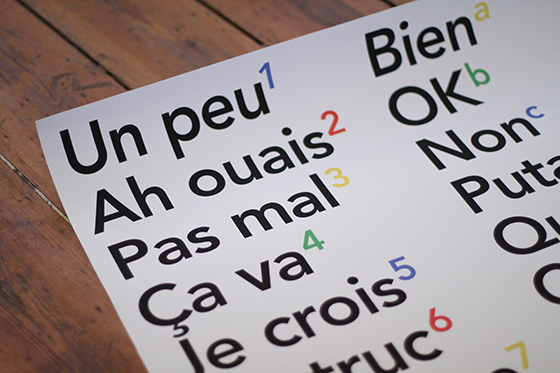
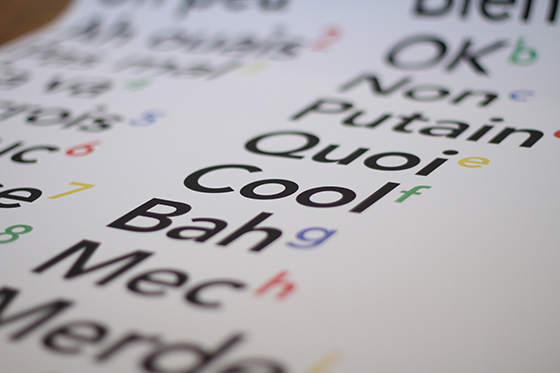
Running it gave me the most used words and phrases, I only picked the most interesting (at least to me) and launched InDesign.
A celebration poster
I decided to go for an A1 poster, mostly focused on those words and phrases but with a tech twist to it. I kept it all secret, got it printed, and sent it to my pal… Happy fifth Google-talk-history-enabled anniversary to him; and to all of you out there that use it on a daily basis!