During the last couple of months I’ve been working on a free AIR app for a French community-based site called Weecast. Its purpose is to allow users to submit and/or buy screencasts about your favorite apps and languages (mostly Adobe’s and Microsoft’s, but also 3D ones’, OS’s and more).
Introducing the Weecast Player!
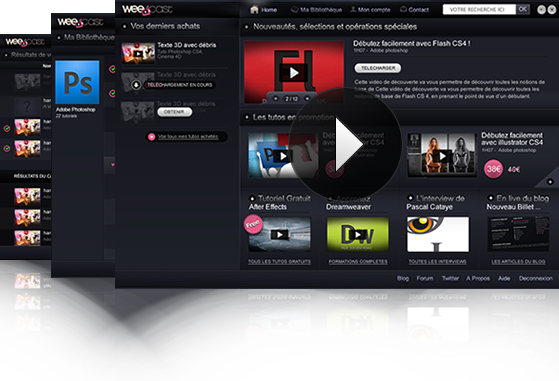 The app allows you to browse your videos, watch them (4 view modes), search for more, drop comments and stars… I think that’s called an RIA, right? There’s also an offline mode, so you can access all your stuff anytime.
All of this is made in Flex+AIR. The visual identity was made by Weecast ; thanks for the PNGs, folks!
By the way, some parts of it are actually OpenSource, including:
- Miscellaneous AIR utilities
- The infamous GradientLabel (for Flex)
- Dynam.ize and BaseObject, for working with synchronous SQLite databases
If you don’t know Weecast yet I highly recommend you go visit their site, grab an account and the player, enjoy free videos, and then buy some! Now if you don’t understand French… Well, learn it!